Loading...

TL;DR:
- Samwell.ai offers a citation-focused academic AI workspace with controls and real-time integrity checks suited for research papers. Other tools provide guided outlines, source discovery, or draft revision but lack comprehensive citation and verification features. Prioritize academic workspace options for long, citation-heavy assignments, and verify references thoroughly before submission.
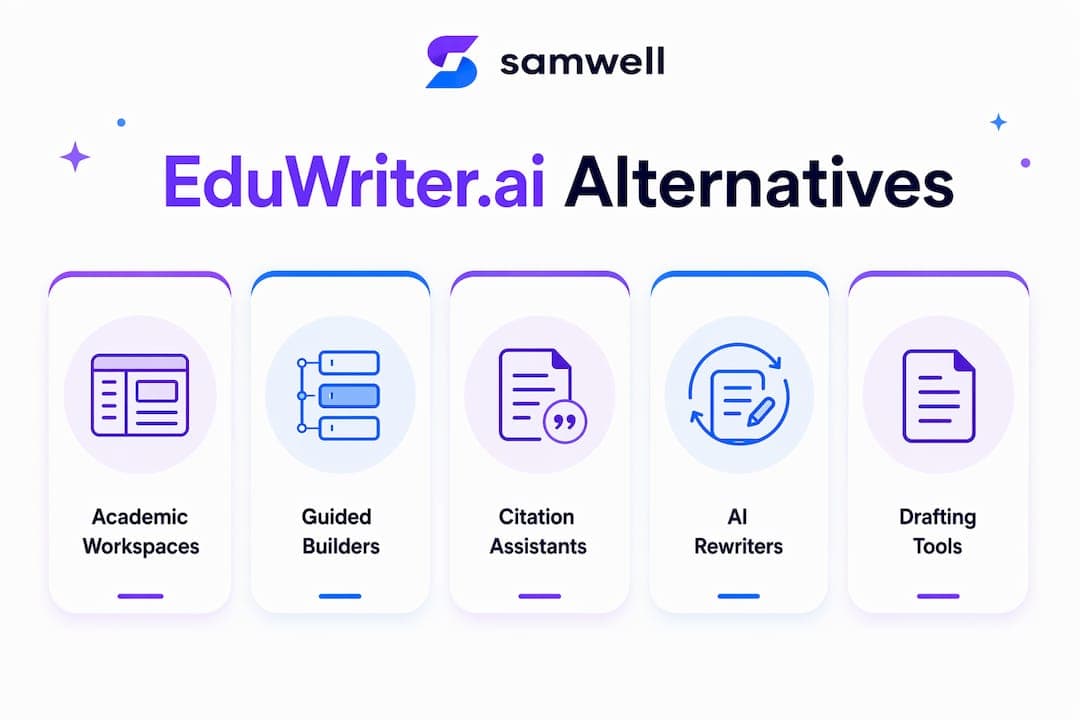
Samwell.ai is the strongest academic-first alternative to EduWriter.ai, built around real-time citation tools, a Power Editor, and integrity checks that most generic AI writers skip entirely. If your priority is submitting work that holds up to APA or MLA standards and Turnitin scrutiny, that's where to start. For other needs, here's how the field breaks down:
One caveat: if your assignment is a short, low-citation piece and you just need a quick starting point, a lightweight drafting assistant may be all you need. The academic workspace model earns its keep on longer, citation-dependent work.
The table below maps five alternative categories across the dimensions that matter most for academic work. Aggregator lists now cover 30-plus tools in this space, which makes category-level filtering more useful than reading every product page.
| Category | Best for | Pricing shape | Plagiarism & citation support | AI-detection approach | Academic features | Integrations | Privacy notes |
|---|---|---|---|---|---|---|---|
| Academic-first AI workspace | Research essays, citation-heavy papers | Free tier + paid subscription | Full citation generator (APA/MLA/Chicago), plagiarism check | Real-time AI detection checks, transparency-first | Guided essays, Power Editor, structured outlines | Google Docs, export formats | Data handling policies published; SOC2 where declared |
| Guided essay builder | Structured drafts, timed assignments | Free tier available; paid for full exports | Basic citation formatting; limited reference discovery | Varies by vendor; limited disclosure | Template-driven outlines, section prompts | Limited LMS compatibility | Varies; check vendor policy |
| Citation-first assistant | Literature reviews, annotated bibliographies | Freemium; paid for bulk exports | Strong: Zotero/Google Scholar connectivity, format validation | Minimal AI generation; lower detection risk | Reference discovery, format checking | Zotero, Google Scholar, Google Docs | Generally strong; academic-sector focus |
| Humanizer/AI-rewriter | Draft polishing, tone adjustment | Subscription-based; limited free use | Paraphrasing only; no original citation generation | Claims vary widely; treat with caution | Editing and rewriting tools | Browser extensions, Google Docs | Varies significantly |
| Lightweight drafting assistant | Brainstorming, short low-stakes drafts | Free tier common; paid for longer outputs | Minimal; rarely includes citation tools | Basic; not built for academic integrity | Fast generation, minimal structure | API access common; limited LMS | Often minimal data policies |
How to read this table: "Free tier available" means you can generate some content without paying, but citation tooling and bulk exports are typically locked behind paid plans across most categories. Use the "Best for" column as your first filter.
Quick filters by student priority:
This is the category built for students who can't afford a citation error. Tools in this category generate structured drafts, then let you edit, expand, and verify references inside the same interface. The Power Editor model (as seen in Samwell.ai) lets you target specific paragraphs for expansion or rewriting without regenerating the whole paper. Guided Essays walk you through an outline before generating, which keeps the argument coherent.
Pricing typically follows a freemium model: short papers at no cost, longer or citation-heavy work behind a paid plan. The real value is the integrity layer. Real-time AI detection checks and citation validation mean you're not guessing whether your draft will flag in Turnitin. Best assignment fit: a 2,000-word research essay with five or more sources.
Pros: Integrated citation generator (APA/MLA/Chicago), editor control, real-time integrity checks Watchouts: Paid plan required for longer papers; output still needs your own voice and critical review
These tools prioritize speed and structure. You pick a topic, choose an essay type, and the tool generates a section-by-section outline before filling in the prose. That scaffolding is genuinely useful when you're staring at a blank page at 11 PM. Citation support is usually basic: it may suggest a format but won't pull live references or validate them.

Free tiers tend to be generous for short outputs. The trade-off is flexibility. If your argument needs to deviate from a standard five-paragraph structure, these tools can feel rigid. Best fit: timed in-class essays or short assignments where structure matters more than deep sourcing.
Pros: Fast to a first draft, low learning curve, good free tier Watchouts: Citation tools are shallow; limited customization for complex arguments
The defining feature here is reference discovery. Tools in this category connect to Google Scholar, PubMed, or Zotero to pull real sources, format them correctly, and flag gaps in your bibliography. They're less focused on generating prose and more focused on making sure your sources are real and formatted right. That distinction matters for literature reviews, where a hallucinated reference is a serious problem.

Specialized academic tools consistently outperform general-purpose AI writers on citation precision, and this category is where that gap is widest. Pricing is usually freemium, with bulk exports or advanced format validation behind a paywall. Best fit: annotated bibliographies, systematic literature reviews, any paper where the reference list is as important as the prose.
Pros: Real source discovery, Zotero integration, low AI-generation risk Watchouts: Weak prose generation; not a full essay writer
These tools take existing text and rewrite it for tone, clarity, or style. Some market themselves on making AI-generated text harder to detect, which is a claim worth treating with skepticism. Detector technology evolves constantly, and any tool that promises undetectable output is making a bet that will eventually lose. Use these for legitimate editing: smoothing awkward phrasing, adjusting formality, or paraphrasing a dense source passage in your own words.
Pricing is usually subscription-based with a limited free tier. Best fit: polishing a draft you've already written, not generating one from scratch.
Pros: Useful for tone adjustment and paraphrasing, browser extension convenience Watchouts: Detector-evasion claims are unreliable; no original citation support
Speed and low cost are the selling points. These tools generate text quickly from a prompt, with minimal academic scaffolding. They're fine for brainstorming, generating a rough outline, or producing a first paragraph to react against. They're not built for academic integrity: citation tools are rare, data policies are often thin, and the output quality for structured arguments is inconsistent.
General-purpose AI platforms like ChatGPT or Jasper fall into this bucket for academic purposes. These platforms are powerful for marketing and general writing but lack the citation precision that university work demands. Best fit: early brainstorming, short low-stakes assignments, or generating a rough outline before switching to a more capable tool.
Pros: Fast, often free, low friction Watchouts: No citation tools, minimal academic structure, thin privacy policies
Start with assignment type, then work through verification needs, budget, and integration requirements in that order. Here's a practical checklist:
Questions to ask any vendor before committing:
Four red flags that should disqualify a tool for academic work:
Quick decision path:
AI tools can help you structure arguments and find sources, but submitting raw AI-generated text risks detection and academic penalties. Use AI as a research and drafting assistant, not a ghostwriter.
Do:
Don't:
Turnitin is the standard plagiarism and AI-detection tool at most U.S. universities, and its AI-detection capability has expanded significantly. Tools that promise undetectable output present real ethical and integrity risks, and those claims rarely hold up as detection technology improves. Check your institution's specific policy on AI use before starting any assignment.
Pro Tip: Before submitting, run your draft through a citation validator (check 3 references manually in Google Scholar), then through your institution's preferred AI-detection tool. Spot-check any reference the AI generated — hallucinated DOIs and author names are the most common failure point.
The selection prioritized academic features and integrity controls above all else, then evaluated pricing clarity, integration depth, and privacy transparency.
Selection criteria:
Limitations to note:
The SERP consensus for EduWriter.ai alternatives consistently surfaces six tools. Here's what each actually does and where it fits.
Samwell.ai is an academic-first AI workspace built for students who need citation accuracy and editor control in one place. Its Guided Essays feature walks you through an outline before generating prose, and the Power Editor lets you expand or rewrite specific sections without touching the rest of the paper. Real-time AI detection checks and support for APA, MLA, and Chicago citation formats make it the strongest fit for research essays and longer academic papers. Many students and academic professionals use it, including users from leading universities. The free tier covers short papers; longer work requires a paid plan.
Best for: Research essays, citation-heavy papers, students who need editor control Watchout: Free tier has length limits; output needs your own critical voice
Otio.ai positions itself as a research workspace that helps you read, annotate, and synthesize sources before writing. It's stronger on the research side than the writing side, making it a natural fit for literature reviews and annotated bibliographies. Citation generation is present but less polished than dedicated academic writers. It's a good complement to a writing tool rather than a standalone essay generator.
Best for: Research synthesis, literature reviews, source management Watchout: Prose generation is secondary; not a full essay writer
QuillBot is primarily a paraphrasing and grammar tool with a citation generator added on. Its paraphrasing modes are genuinely useful for rewording dense source material, and the grammar checker is solid. For academic writing, the citation generator supports APA, MLA, and Chicago. The free tier is limited in paraphrasing length. It's best used as a polishing layer on top of a draft you've already written, not as a primary essay generator.
Best for: Paraphrasing, grammar checking, citation formatting Watchout: Not a full essay generator; detector-evasion claims from some users should be ignored
EssayBuilder.AI focuses on structured essay construction, walking students through argument development and paragraph-level prompts. It's template-driven, which makes it fast for standard essay formats but less flexible for complex or unconventional arguments. Citation support is basic. Best for students who struggle with structure rather than those who need deep sourcing.
Best for: Structured drafts, students building argument skills Watchout: Limited citation tools; rigid for non-standard formats
Grammarly is a writing assistant, not an essay generator. Its academic value is in grammar, clarity, and plagiarism checking (on paid plans). The plagiarism checker compares against a large web database. It doesn't generate essays or citations, but it's a strong final-pass tool before submission. Most students should already have it in their workflow regardless of which essay tool they use.
Best for: Grammar, clarity editing, plagiarism checking as a final pass Watchout: Not a writing or citation generator; plagiarism check requires a paid plan
Paperpal is built specifically for academic and research writing, with a focus on language editing for non-native English speakers and journal submission standards. It integrates with Microsoft Word and offers subject-specific language suggestions. Citation support is present but not its primary strength. It's most useful for graduate students polishing manuscripts for publication rather than undergraduates writing course essays.
Best for: Graduate students, non-native English speakers, manuscript polishing Watchout: Overkill for undergraduate essays; citation tools are secondary
Support quality varies more than feature lists suggest, and it matters most when a deadline is close.
Samwell.ai offers documented support channels for its user base of over 1,000,000 students. Grammarly has the most mature support infrastructure of any tool in this list, with a large help center, community forum, and responsive email support on paid plans. QuillBot offers a help center and email support; response times on the free tier are slower. Paperpal provides support oriented toward academic and journal submission questions, which is useful for graduate users but less relevant for undergraduates.
EssayBuilder.AI and Otio.ai are newer entrants, and their support infrastructure reflects that. Help centers exist, but community resources and documented response times are thinner. For any tool you're considering, check whether a live chat or priority email option exists on the plan you'd actually use, not just the enterprise tier.
Community resources worth knowing:
Customization depth separates the academic workspace category from everything else.
Samwell.ai lets you specify tone, academic level, and desired sources before generating, and the Power Editor gives you paragraph-level control after generation. That combination means the output can reflect your argument structure, not just a generic template. Guided Essays add another layer: you shape the outline before the prose is written, which keeps the paper's logic yours.
QuillBot's paraphrasing modes (Standard, Fluency, Formal, Academic, and others) give you style control over rewrites, but you're working with existing text, not generating from scratch. Grammarly's tone detector flags register mismatches but doesn't let you set a target style for generation. Paperpal's subject-specific suggestions are the most granular for academic register, particularly for non-native English speakers writing in a specific discipline.
EssayBuilder.AI and Otio.ai offer less customization. EssayBuilder.AI's templates constrain structure by design; Otio.ai's strength is in research synthesis, not stylistic flexibility. For students who want the output to sound like them, the academic workspace model with a strong editor is the right category.
English is the default for every tool in this list, but support beyond English varies significantly.
Samwell.ai supports multiple languages for essay generation, which matters for international students writing in their first language or bilingual programs. QuillBot's paraphrasing works across several major languages including Spanish, French, German, and Portuguese, though quality drops noticeably outside English. Grammarly's grammar and clarity tools are English-only for the core product, with limited support for other languages. Paperpal is primarily English-focused, though it's designed with non-native English speakers in mind for academic register correction.
For students at U.S. universities writing in English as a second language, Paperpal's academic register tools and QuillBot's multilingual paraphrasing are the most practical options. For academic writing platforms with broader multilingual generation, Samwell.ai is the strongest fit in this comparison. Always verify current language support on the vendor's documentation page, as this feature set changes frequently.
Academic-first AI workspaces that combine citation generation, editor control, and real-time integrity checks are the most reliable EduWriter.ai alternatives for students with serious research assignments.
| Point | Details |
|---|---|
| Pick by assignment type first | Citation-heavy research essays need an academic workspace; short drafts can use lightweight tools. |
| Avoid detector-evasion claims | Tools promising undetectable AI output carry real academic integrity risks and those claims don't hold long-term. |
| Verify every AI-generated reference | Hallucinated citations are the most common failure point; spot-check at least three sources before submitting. |
| Free tiers have real limits | Most tools lock citation tooling and longer paper exports behind paid plans — know the ceiling before you rely on a free tier. |
| Samwell.ai leads the academic workspace category | Its Power Editor, Guided Essays, and real-time AI detection checks make it the strongest citation-ready option in this comparison. |
Most AI writing tools are built for marketing copy, not university essays. That gap shows up exactly where it hurts: in the reference list. A tool that generates confident-sounding prose with a hallucinated DOI attached is worse than no tool at all, because it creates work you have to undo before submission.
The shift worth paying attention to is the move toward AI-native academic workspaces that treat citation accuracy and editor control as core features, not add-ons. That's a meaningful change from the first wave of essay generators, which were essentially autocomplete with a plagiarism-evasion pitch. The tools that have earned trust in academic settings are the ones that make the student's job harder in the right ways: they prompt you to verify sources, they flag detection risk, and they give you an editor rather than just an output.
The practical implication: don't evaluate these tools on how good the first draft looks. Evaluate them on what happens when you try to cite something, export to your university's submission format, and run the result through your institution's detection tool. That's the test that separates the academic workspace category from everything else.
The one thing students consistently underestimate is how much the editor layer matters. Generating a draft is the easy part. Shaping it into an argument that sounds like you, with sources that hold up, is where the work actually lives. Pick a tool that gives you that control, not one that takes it away.
Every tool in this comparison does something useful, but most of them solve one piece of the puzzle. Samwell.ai is built to handle the whole workflow: Guided Essays for structured outlines, a Power Editor for targeted paragraph-level editing, citation generation in APA, MLA, and Chicago, and real-time AI detection checks that keep you on the right side of your institution's policy.
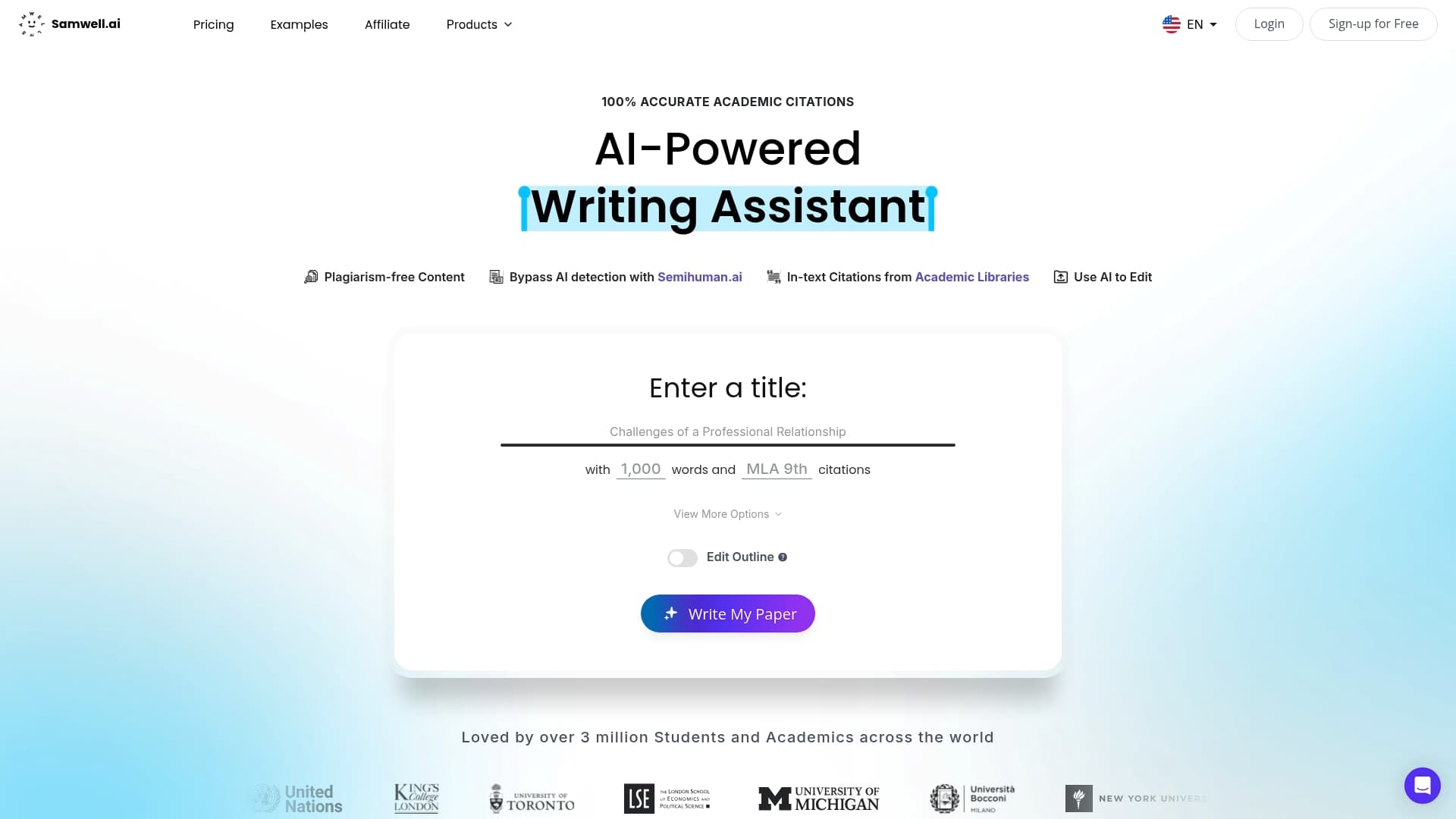
Over 1,000,000 students and academic professionals already use it, including users from leading universities. The free tier covers short papers, and the paid plans unlock longer work and full citation tooling. If you're looking for an AI essay writing tool that treats academic integrity as a feature rather than an afterthought, Samwell.ai is the place to start. Try it at samwell.ai and run a 500-word test draft with three citations before your next assignment.
The sources below were used to evaluate alternatives, assess market breadth, and ground the integrity guidance in this article.
Verification tip: To check a vendor's citation claims, look for their documentation page listing supported formats (APA 7th, MLA 9th, Chicago 17th), then test-generate one citation and compare it against the official style guide. For privacy, look for a published data retention policy and any mention of SOC2 compliance or SSO support. If neither appears on the vendor's site, treat data handling as unverified.