Loading...

TL;DR:
- Precise MLA formatting details, like margins and headers, are essential for academic success.
- Following a strict checklist ensures consistent formatting, building confidence and clarity.
- Using tools and templates streamlines MLA compliance, preventing common errors before submission.
Missing a single MLA formatting detail can cost you more than you think. Instructors notice when margins are off, when the header is misplaced, or when a works cited entry is formatted inconsistently. For academic professionals submitting to journals, those same small errors can trigger an immediate rejection. The good news is that none of this needs to happen. A well-structured checklist removes the guesswork, reduces last-minute panic, and makes MLA compliance almost automatic. This guide walks you through every step, from basic page setup to works cited formatting, so you can submit with genuine confidence every time.
| Point | Details |
|---|---|
| Start with MLA basics | Always check margins, font, and spacing before moving to complex formatting. |
| First page matters | Set up your name, course, and title in the correct position to make a strong initial impression. |
| Headers and citations | Use running heads and parenthetical citations as required on every page. |
| Proof your works cited | Alphabetize, format correctly, and run a final accuracy check on all sources. |
| Skip common errors | Do a final walkthrough for overlooked formatting and missing citations before you submit. |
Before you write a single word of your argument, your document needs to be set up correctly. Think of these settings as the foundation of your paper. If the foundation is off, everything built on top of it looks unstable.
MLA has precise requirements for margins, font, spacing, and header that apply universally, regardless of the assignment type. Get these right first, and you eliminate a huge category of potential errors before you even start writing.
Here is what your checklist should include for every paper:
One detail students frequently miss is the spacing rule. Double-spacing applies everywhere, including after the heading block, after the title, and between works cited entries. There are no extra spaces between paragraphs.
The MLA manual guide reinforces that consistency across all these elements signals academic seriousness to your reader. A paper that looks clean and uniform before anyone reads a word already communicates care and precision.
You can also explore MLA bibliography examples to see how consistent formatting carries through to your reference list.
Pro Tip: Save a blank document with all these settings pre-configured as a personal MLA template. Every new assignment starts from that file, and you never have to reset margins or fonts again.
The first page of your MLA paper is the first thing your instructor or reviewer sees. Getting it right signals that you understand the style and take the assignment seriously.

The MLA first page format has required placement for your name, instructor name, course, and date, all before your essay title appears. This block sits at the top left of the first page, double-spaced like the rest of the document.
Here is a numbered checklist for setting up your first page correctly:
One common point of confusion is the difference between a standard MLA first page and a separate cover page. Most MLA assignments do not use a separate cover page at all.
| Feature | MLA first page | MLA cover page |
|---|---|---|
| Separate sheet | No | Yes |
| Includes heading block | Yes, top left | Yes, often centered |
| Required by default | Yes | Only if instructor requests |
| Title placement | Centered, on first page | Centered on its own page |
If your instructor specifically requests a cover page, follow the MLA cover page guide and the MLA cover sheet steps for exact placement rules. Understanding the role of bibliographies also helps you see why every element of your paper, from the title to the final citation, works together to build credibility.
Pro Tip: Pre-format a first page template with placeholder text for your name, instructor, and course. Swap in the real details for each new assignment in under a minute.
A properly formatted running head is one of those details that readers notice when it is wrong, but never think about when it is right. That invisibility is exactly what you want.
MLA requires page numbers in the running head and a specific parenthetical citation format throughout the body of the paper. Both are non-negotiable checklist items.
Here is a quick comparison of the two terms students often mix up:
| Term | Definition | Placement |
|---|---|---|
| Header | The heading block with your name, instructor, course, and date | Top left, first page only |
| Running head | Last name and page number | Top right, every page |
To insert a running head in Microsoft Word, double-click the top margin area to open the header, then type your last name, add a space, and insert an automatic page number from the Insert menu. In Google Docs, go to Insert, then Headers and Footers, then Header. Type your last name, add a space, and insert the page number from the same Insert menu.
For setting MLA header correctly, make sure the font inside the header matches the body text: Times New Roman, 12-point.
For in-text citations, your checklist should cover these common mistakes:
Pro Tip: After drafting, do a quick search for quotation marks in your document. Every quote should have a corresponding parenthetical citation right after it. Missing even one is a common and avoidable error. Learn more about formatting in-text MLA citations to cover every scenario.
Your works cited page is the last thing your reader sees, and it carries enormous weight. A messy or incomplete works cited page signals carelessness, even if the body of your paper is excellent.
MLA bibliography standards demand alphabetization, hanging indent, and consistent citation formatting across every entry. These are not suggestions. They are requirements.
Here is your works cited checklist:
Here is a quick comparison of correct versus incorrect citation formatting:
| Element | Correct | Incorrect |
|---|---|---|
| Author format | Smith, John. | John Smith |
| Indentation | Hanging indent | No indent or full indent |
| Alphabetization | By last name | By first name or random |
| Spacing | Double-spaced | Single-spaced |
"Before submitting, cross-check every in-text citation against your works cited page. Every source you cite in the body must appear in the list, and every entry in the list must be cited somewhere in the body. A mismatch is one of the most common and most penalized errors in academic writing."
Understanding reference source credibility also matters here. Using credible, verifiable sources makes your works cited page stronger and your argument more persuasive.
You have done the work. Now do not lose points on preventable errors. A five-minute self-audit before submission can be the difference between an A and a B.
Students lose marks most often for formatting inconsistencies and missing references, not for weak arguments. That means the fix is entirely within your control.
Here are the top five MLA formatting mistakes to eliminate before you submit:
For your self-audit, read through your paper once specifically looking for formatting, not content. Then check the running head on every page. Then compare each in-text citation to your works cited list.
Research shows that over 30% of resubmissions trace back to simple formatting errors that a quick review would have caught. That statistic should motivate every student to build the audit habit.
If you are unsure whether your style is correct, it also helps to review an APA vs. MLA guide to confirm you are applying the right rules for the right format. Understanding academic publishing standards can also sharpen your awareness of why these details matter beyond the classroom.
Pro Tip: Use a free MLA style checker or run your paper through a formatting review tool before your final submission. Catching one missed citation is worth the extra two minutes.
Here is a perspective most students do not hear: following a rigid checklist is actually one of the most liberating things you can do as a writer.
When you automate the mechanical decisions, your brain stops spending energy on them. You stop asking "should this be indented?" or "does this citation need a comma?" and start spending that energy on your actual argument. The checklist handles the rules so you can focus on the thinking.
We have seen this pattern repeatedly. Students who internalize MLA habits early write faster, revise more confidently, and produce stronger arguments. The format becomes invisible, which means the ideas take center stage.
There is also a deeper benefit. When you trust your MLA academic success process, you submit with confidence instead of anxiety. That confidence changes how you approach writing entirely. Structure does not restrict creativity. It creates the conditions for it.
When your checklist feels long and your deadline is close, having the right tool makes all the difference.
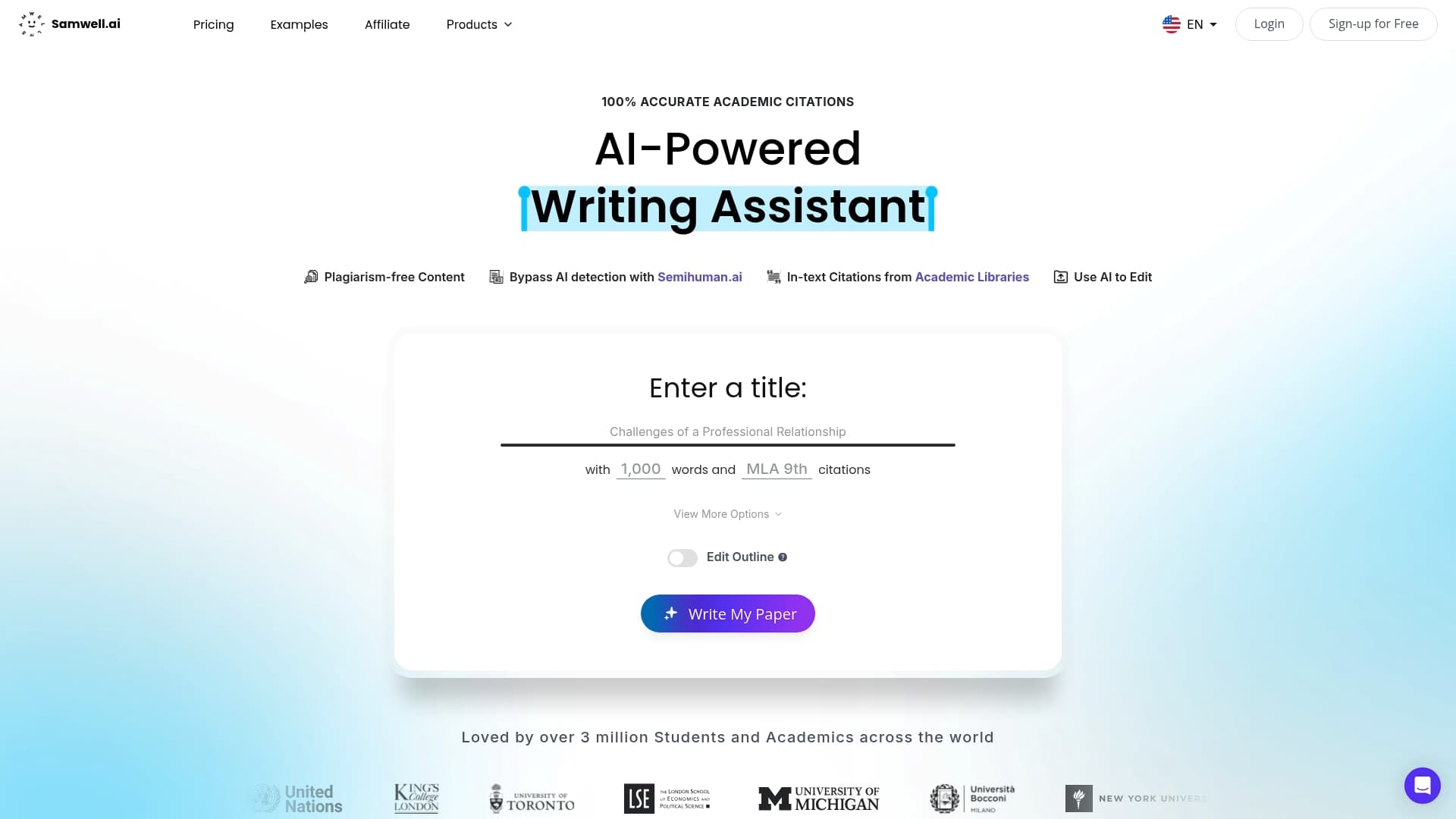
Samwell AI is built for exactly this situation. The platform handles MLA formatting automatically, from first page setup to works cited structure, so you can focus on your argument instead of your margins. With built-in plagiarism free essays technology powered by Semihuman.ai, every paper you generate is original and properly cited. Over 1,000,000 students and academics from leading universities already use Samwell to write faster and submit with confidence. Whether you need a full essay or just a formatting check, Samwell turns a stressful process into a straightforward one.
Standard MLA formatting includes margins, spacing, font, headers, and citations. Key checklist items are one-inch margins, double spacing, 12-point Times New Roman font, a running head with page numbers, correct in-text citations, and a properly formatted works cited page.
Core MLA checklist items remain the same across both formats. However, MLA digital submissions may require additional steps such as hyperlinking sources or following specific file naming conventions set by your instructor.
Use the header feature in your word processor to insert your last name and page number flush right on each page. MLA requires the last name and page number in the running head, formatted in the same font and size as the body text.
Most points are lost for inconsistent referencing, missing works cited entries, or incorrect first page formatting. Formatting inconsistencies and missing references are consistently the top issues flagged by instructors and academic reviewers.