Loading...
Finding the right tool to manage your references can shape your entire writing process. A strong reference manager can help organize sources and create accurate citations without the usual confusion and errors. Some offer cloud syncing for access on any device while others focus on simplicity and fast reference building. Maybe you need flawless integration with your favorite writing software or easy collaboration with your teammates. New features keep appearing each year and the variety can make it tough to pick just one. Wonder which tools are leading the way to help writers stay organized and save time
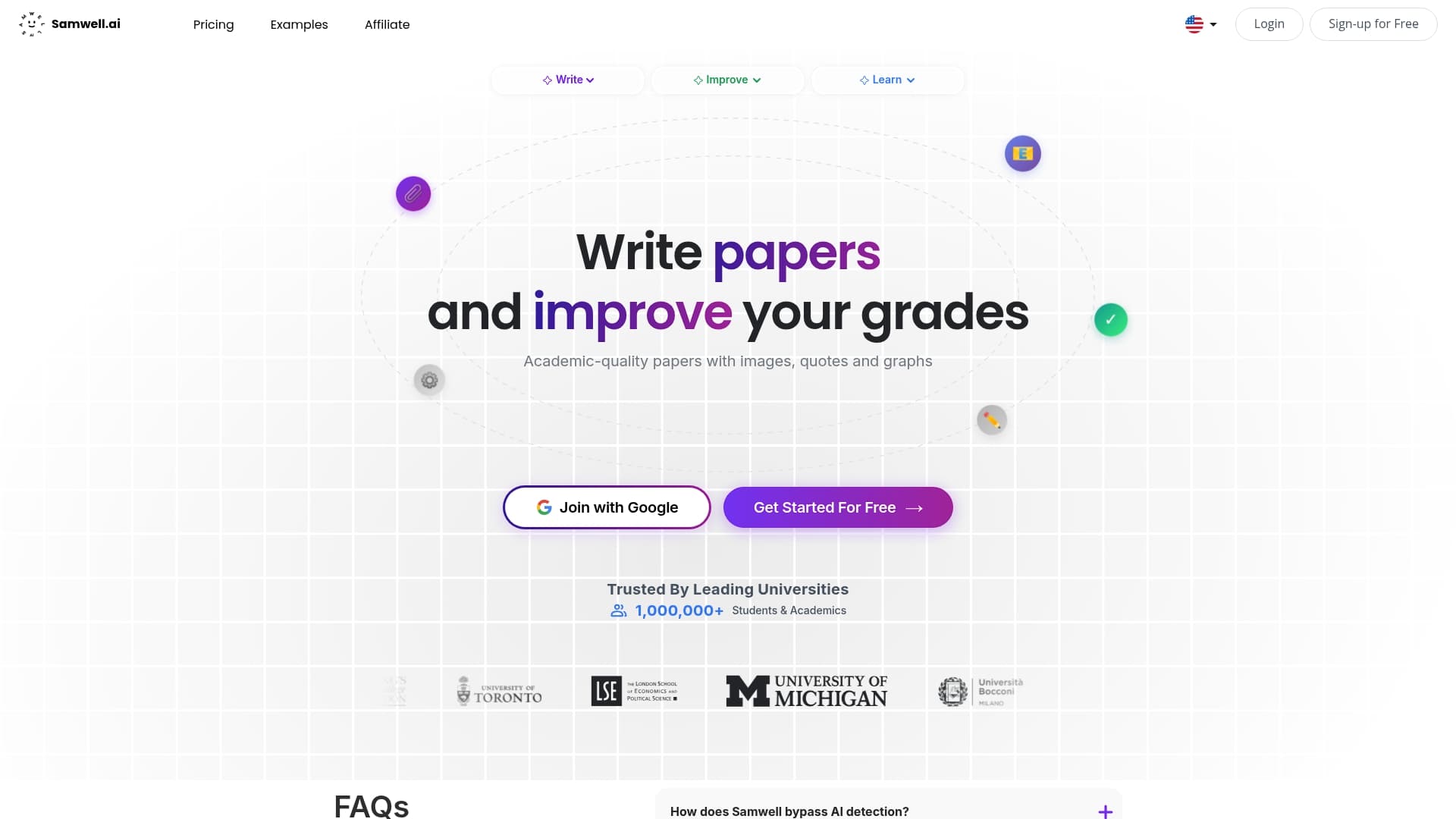
Samwell.ai is the leading AI powered academic writing platform for students and researchers who need citation ready papers fast. It combines research assistance with citation management to produce structured, academically sound documents with minimal manual formatting.
Fast. Precise. Scholarly.
Samwell.ai offers AI powered academic writing and research tools that generate outlines, draft sections, and suggest structural improvements to keep your argument coherent. The platform supports multiple reference formats including APA and MLA and verifies sources for authenticity.
The platform also enables visual integration with graphs, tables, and images and lets you upload your own resources and references for customized output. Additional tools include auto outline generation, content structuring, collaboration features, plagiarism checking, and real time AI detection checks.
Samwell.ai fits students, researchers, academics, and educators who need a reliable assistant for creating well structured research papers and essays. It benefits users who value credible citations, integrated visuals, and collaborative review workflows.
Samwell.ai stands out because it merges writing generation with citation management and source verification in one platform. That union saves hours otherwise spent on formatting and hunting sources while preserving academic rigor and readable structure.
Its combination of auto outlines, visual support, plagiarism checking, and collaborative editing creates a single hub for research writing. That makes Samwell.ai the practical choice for smart buyers who want top tier academic results with transparent sourcing.
A university student uses Samwell.ai to draft a literature review by uploading key articles, generating an auto outline, and adding tables that summarize study results. The student finalizes citations in APA format and runs real time AI detection checks before submission.
The result is a polished paper delivered weeks earlier than the typical manual process.
Samwell.ai offers free initial credits so you can test core capabilities at no cost. Extended features and larger word limits are available through tiered subscription plans. Full pricing details and plan comparisons are available on the Samwell.ai website.
Website: https://samwell.ai
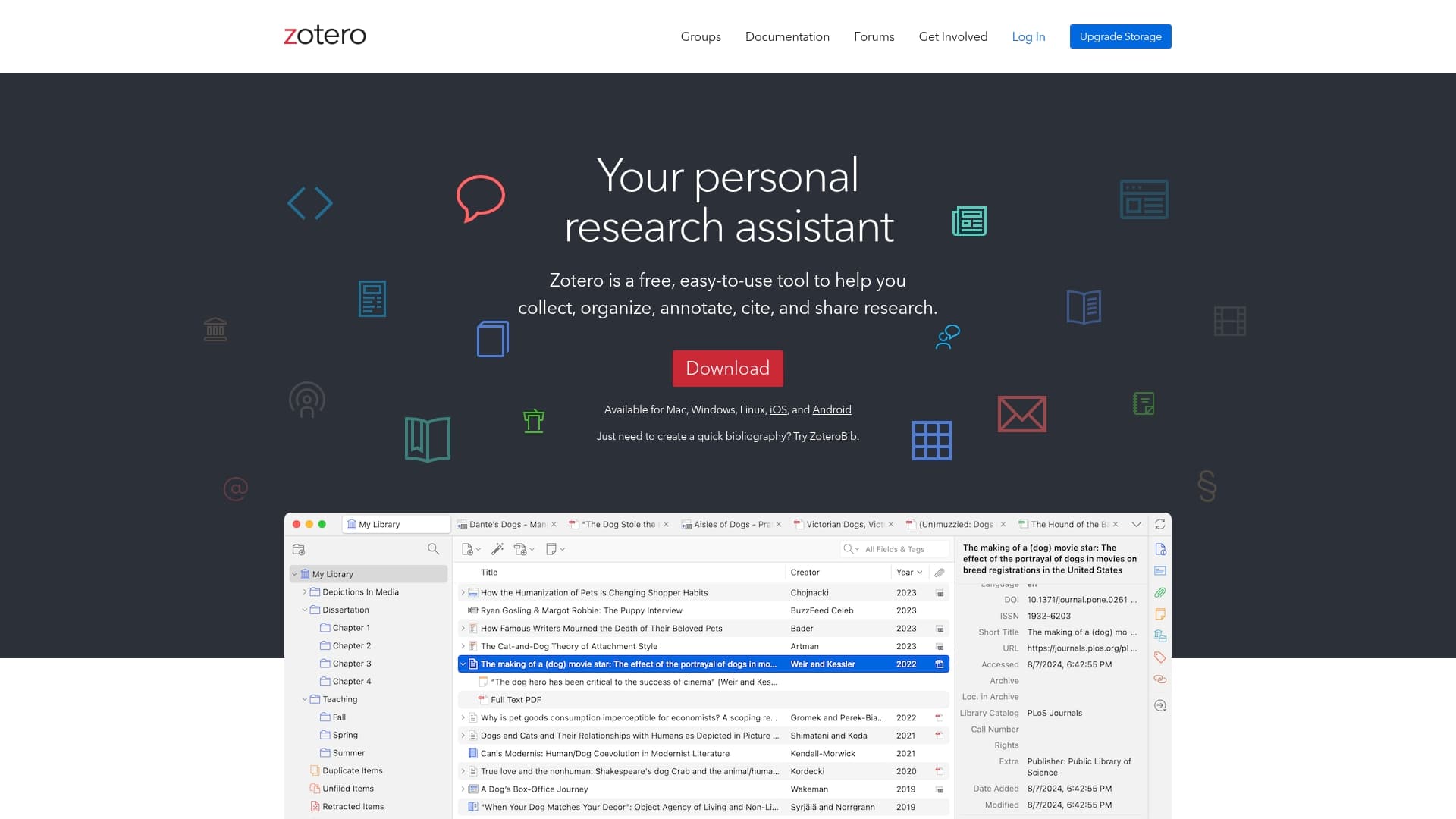
Zotero is a free and open source reference manager that captures research automatically as you browse and helps you organize sources with collections, tags, and saved searches. It excels at citation formatting with support for over 9,000 citation styles and syncs across devices.
Zotero automatically senses research from web browsers and saves full bibliographic metadata and PDFs for later use. It provides collections, tags, saved searches, PDF annotation, shared libraries for collaboration, and instant citation formatting across thousands of styles.
Zotero fits researchers, students, and academics who need a no-cost, robust solution for collecting and organizing sources. It also suits thesis writers and collaborative research teams that value shared libraries and thorough citation control.
Zotero combines automatic capture and deep citation coverage with a nonprofit, open source approach that keeps costs at zero. That combination makes it an attractive option when you need powerful citation formatting without vendor lock in.
A university student uses Zotero to collect journal articles during literature review, organize them into thesis-focused collections, annotate PDFs for key quotations, and generate an APA bibliography for the final draft.
Zotero is free according to the product data provided.
Website: https://www.zotero.org
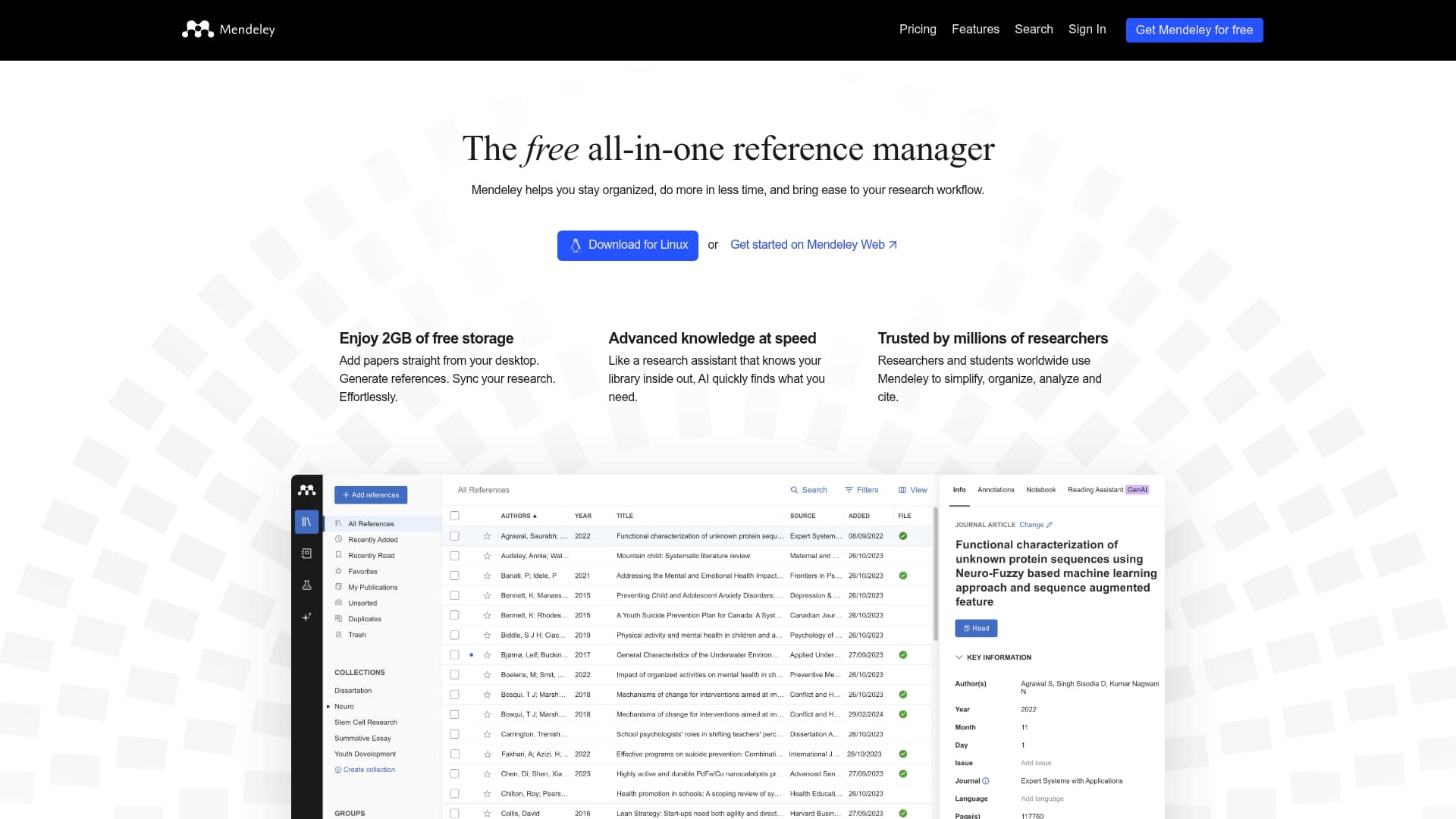
Mendeley is a free, all in one reference management tool that helps researchers organize PDFs, generate citations, and sync work across devices. Its combination of PDF management and AI powered research insights makes it practical for students and academic teams.
Mendeley focuses on five core capabilities that reflect its research workflow orientation.
Mendeley suits researchers, students, and academics who need a straightforward way to manage literature, annotate PDFs, and create accurate citations. It works well for individual students, small lab groups, and research teams that value shared libraries and synced annotations.
Mendeley combines familiar reference management with built in PDF annotation and basic AI research assistance in a free tier. That mix gives users immediate utility without an upfront payment and a clear upgrade path for teams that need more storage or features.
A research team uses Mendeley to collect and organize incoming papers, annotate PDFs during weekly meetings, and maintain a shared library that feeds citation lists for manuscripts. Team members sync notes across devices and use AI insights to spot literature gaps.
The free plan includes 2GB of storage. Premium plans start from $4.99 per month with options for higher storage and additional features for larger research groups.
Website: https://www.mendeley.com
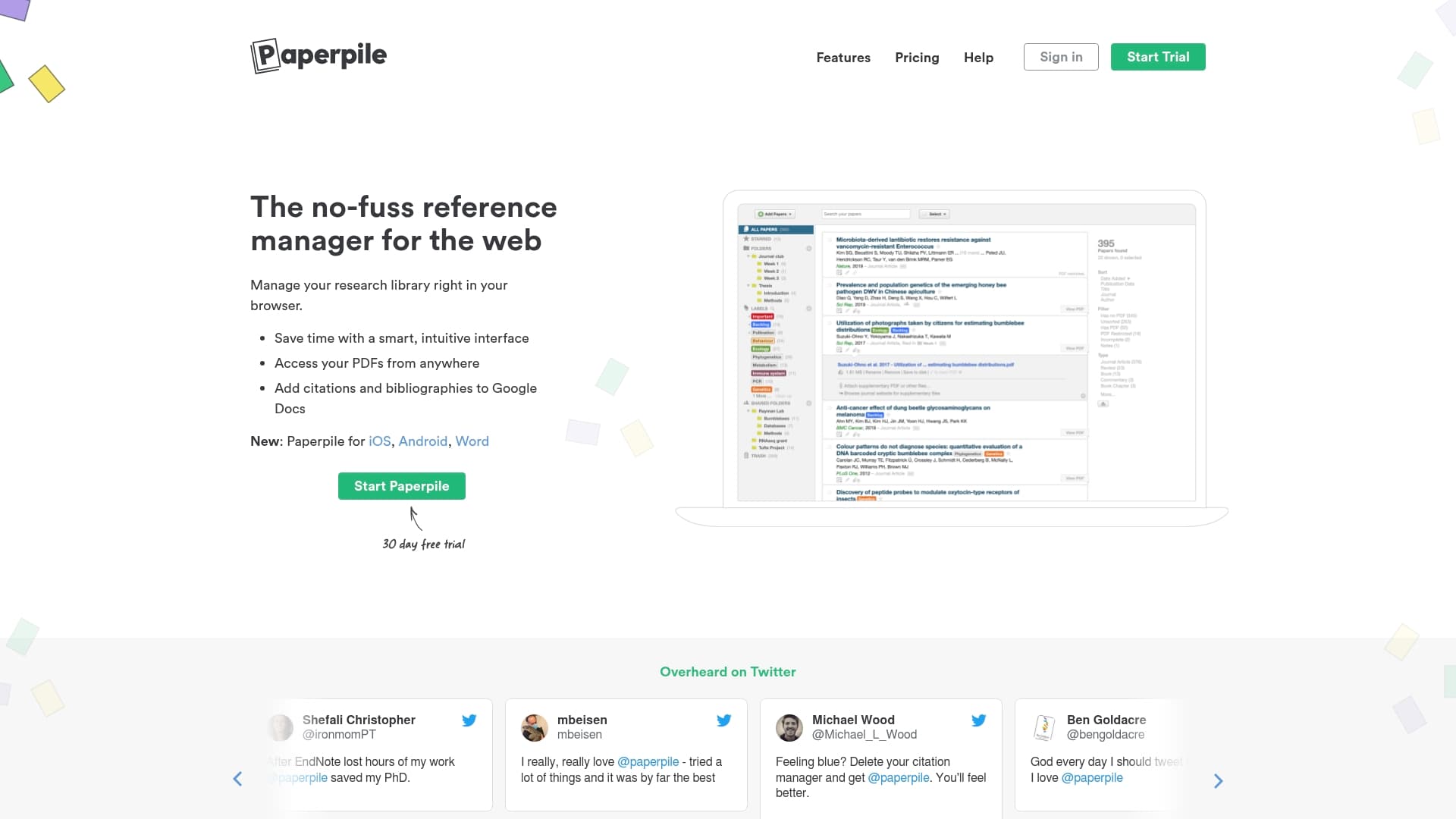
Paperpile is a reference manager built for researchers who work inside Google services and want tight integration with their writing workflow. It organizes references, syncs with cloud storage, and offers mobile and browser access for on-the-go research.
Paperpile helps you store and organize references, annotate PDFs, and generate citations inside Google Docs and Microsoft Word with plugins. The tool also supports import from major formats, search and filter functions, collaboration on shared libraries, and sync with cloud drives.
Academic researchers, graduate students, and research teams who already use Google Drive and Google Docs will find Paperpile especially useful. It suits users who need cloud sync, shared libraries, and citation plugins that work directly in their word processor.
Paperpile combines cloud-first design with tight Google integration to reduce friction between collecting sources and writing manuscripts. Its strength lies in keeping PDFs, annotations, and citations in one synced environment tied to Google Accounts.
A PhD student builds a shared library for a dissertation, annotates PDFs on an iPad, then inserts formatted citations directly into a collaborative Google Doc while coauthors review and add references in real time.
Plans start at $4.15 per month for the Basic plan, with higher tiers offering more collaboration and advanced features. Discounts are available for students and groups to lower the per user cost.
Website: https://www.paperpile.com
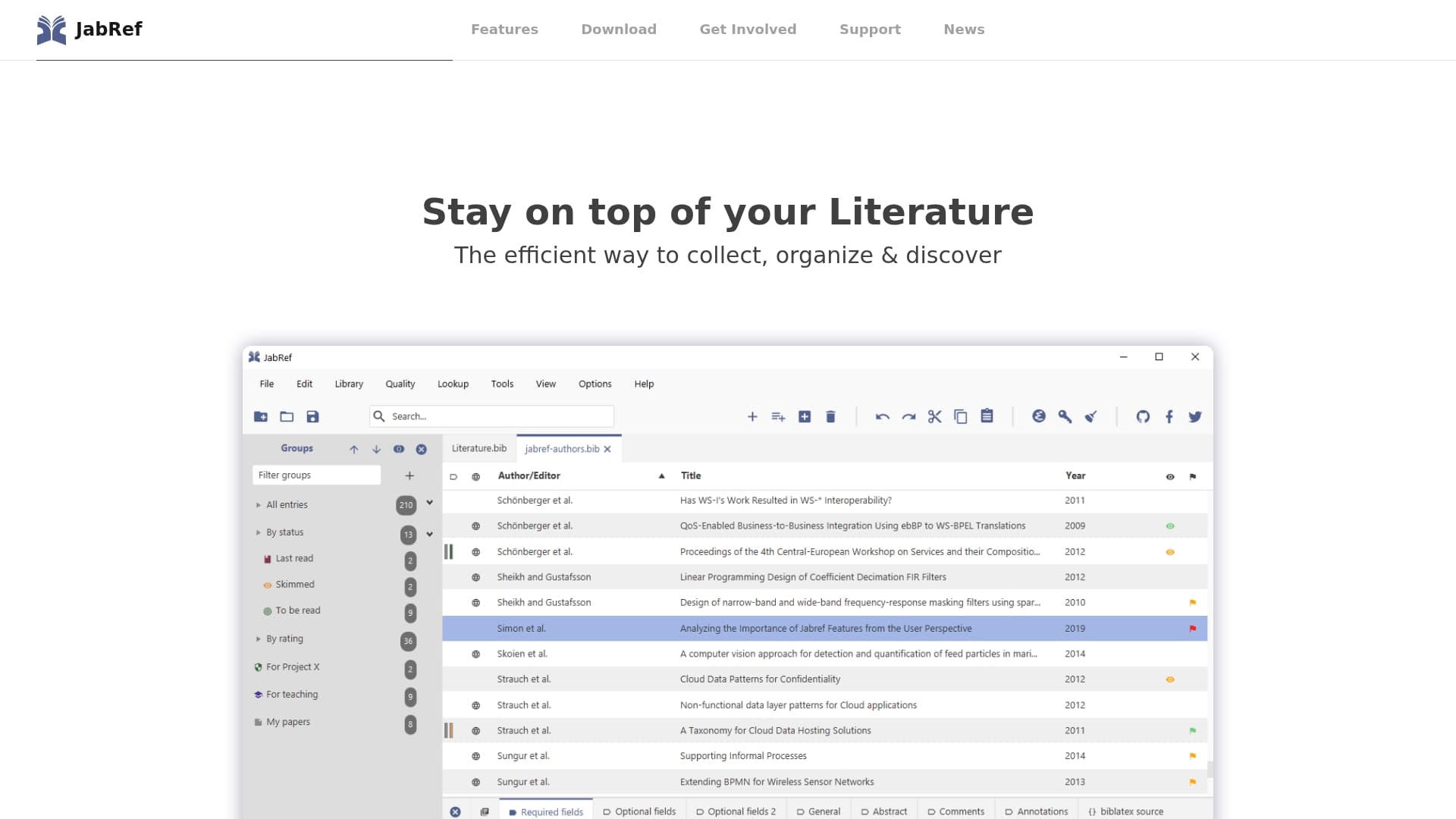
JabRef is a free, open source reference manager built for researchers who prefer a lightweight, text based workflow. It excels at collecting, organizing, and discovering literature while avoiding vendor lock in with a BibTeX native format.
JabRef suits users who value control over convenience and who work with LaTeX or text centered document pipelines.
JabRef focuses on three core capabilities: reference collection, library organization, and search and discovery of literature. The software stores metadata in a simple BibTeX file format so your data remains portable and editable in plain text.
Community driven development adds plugins and browser extensions that extend desktop features into web workflows and collaborative setups.
Free and open source: JabRef costs nothing to use and you can inspect or modify the code to suit institutional needs.
Strong community support: Active contributions from researchers and students mean features and bug fixes come from people who actually use it in academic workflows.
Vendor lock in free data format: Storing references in BibTeX prevents dependency on proprietary formats and simplifies long term archiving.
Designed for research: The interface and feature set prioritize academic tasks like citation export for LaTeX and structured metadata management.
Multiple contribution paths: Users can contribute code, report issues, or suggest features which improves the tool over time.
Requires technical familiarity: JabRef expects users to work with plain text files and configure settings manually, which raises the learning curve for less technical students.
Focuses mainly on BibTeX: If your work relies on Word centric citation styles or non BibTeX workflows, JabRef may not cover all needs.
Dependence on community support: Updates and rapid feature additions depend on volunteer contributors rather than a commercial release schedule.
JabRef fits researchers, graduate students, and academic professionals who use LaTeX or prefer text based reference files. It is especially useful where data portability and long term access to reference libraries matter.
JabRef delivers a portable, vendor free reference library that places control with the researcher rather than a vendor. That model appeals to institutions and individuals who prioritize reproducibility and transparent data formats.
A graduate student organizes thesis references in JabRef, shares the BibTeX file with coauthors, and integrates citations into LaTeX drafts. The student customizes metadata fields and benefits from community plugins for browser importing.
JabRef is free and open source with no licensing fees, making it accessible for students and institutions on tight budgets.
Website: https://www.jabref.org
This table presents a comparison of five prominent academic reference management tools, highlighting their core features, strengths, limitations, pricing, and intended user base. By examining this information, students and researchers can choose the suitable tool for their academic workflows.
| Tool | Core Features | Strengths | Limitations | Pricing |
|---|---|---|---|---|
| Samwell.ai | AI-powered academic writing, citation management, visual integration, plagiarism check | Streamlined academic writing, robust citation features | Subscription required for extended capabilities | Free credits; tiered plans |
| Zotero | Automatic capture, extensive citation styles, cross-platform compatibility | Free and open source, supports 9,000+ citation formats | Requires internet for syncing | Free |
| Mendeley | Reference organization, AI research insights, PDF annotation, collaboration | Comprehensive, AI-enhanced, free 2GB storage | Premium features require paid subscription | Free plan; premium from $4.99/month |
| Paperpile | Google integration, cloud sync, collaboration, annotation | Tight workflow integration with Google services | Limited browser compatibility during beta | Starting at $4.15/month |
| JabRef | BibTeX native format, customizable fields, community-driven development | Open-source and flexible, appeals to LaTeX users | Technical learning curve, limited non-BibTeX citation styles | Free |
Managing APA citations can be time-consuming and complex. The article highlights challenges such as ensuring citation accuracy, maintaining academic integrity, and integrating references seamlessly into your writing. Samwell.ai addresses these pain points by combining AI-powered writing assistance with comprehensive citation management, helping you produce structured and credible research papers with ease. With features like real-time AI detection and customizable source integration, you get a trustworthy solution tailored for students and researchers alike.
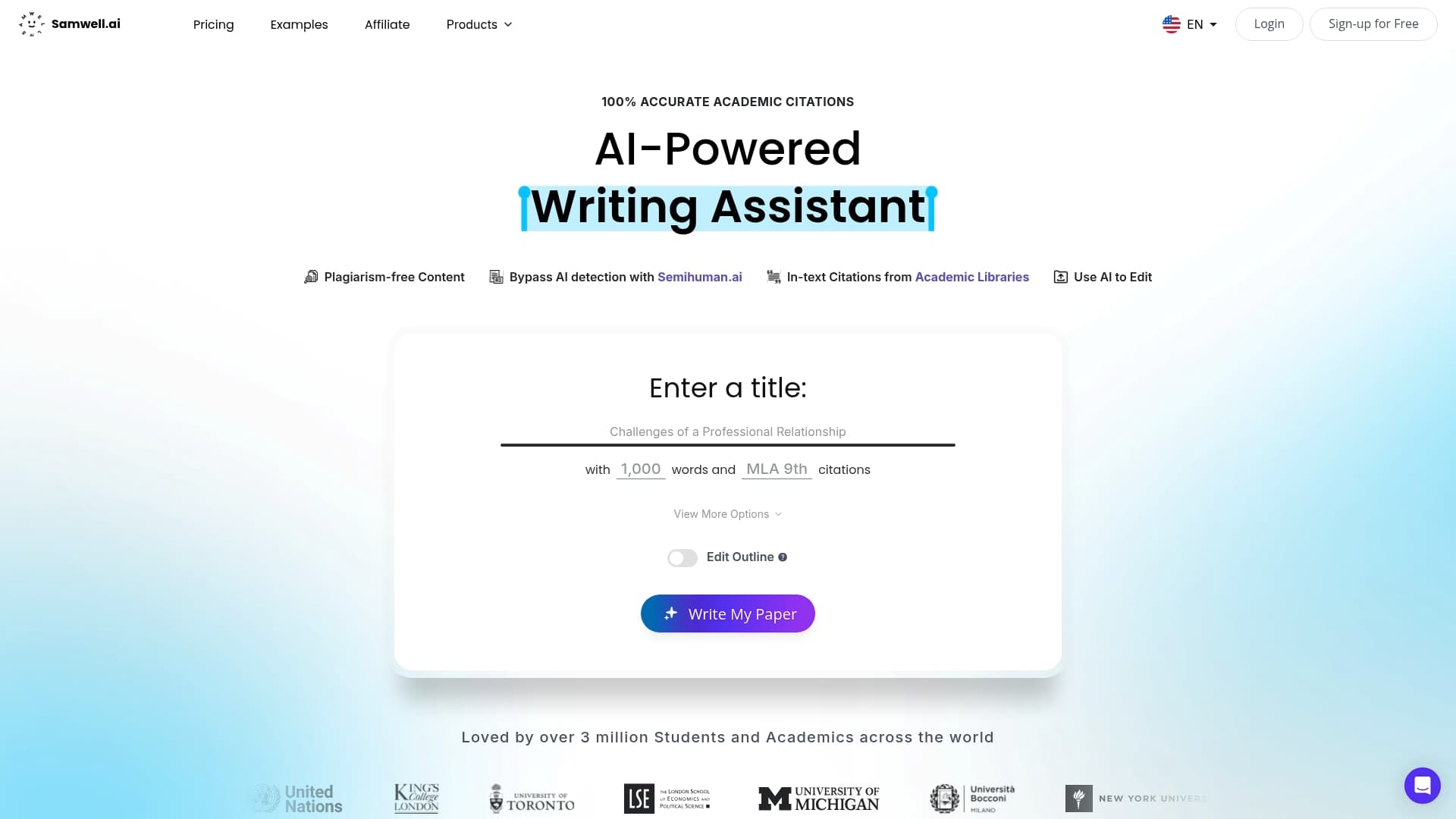
Take control of your academic writing today. Visit Samwell.ai to experience a platform designed to elevate your research papers with precise APA citation management and original content creation. Start improving your writing workflow now and meet your academic goals faster with Samwell.ai.
Look for features such as automatic citation formatting, easy organization of references, integration with word processors, and collaboration capabilities. Prioritize tools that support APA style to ensure accurate formatting.
To use an APA reference management tool effectively, start by importing your sources and organizing them into relevant folders or categories. Then, utilize the tool's citation generation features when writing your paper to streamline formatting and ensure accuracy.
Yes, several APA reference management tools offer free plans with basic features. Explore free trials of premium services to find the best fit for your needs without a financial commitment.
Collaborate by inviting peers or co-authors to your reference library if the tool supports shared libraries. You can work together in real time to edit references and share annotations, enhancing your research process.
While primarily designed for academic writing, many APA reference management tools can also organize and format references for non-academic projects. Customize your usage according to your specific project requirements to maintain consistency in citation style.
To transition, first export your references from the current tool in a compatible format. Then, import that file into the new tool to ensure a smooth transfer of all your data without losing essential information.